Best AI Nude Generators: Which Apps Actually Work?
The Scorecard: Ranking the Top AI Nude Generators
Type 'nude generator' into Google and you get a hundred tools that spit out one image and forget you exist. The ones worth paying for remember you the next time you open the app.
That's the whole lens for this ranking. Not "which tool renders a passable body fastest" — most of them can — but what happens after the image lands. Here's the scorecard, GoLove.ai against the standalone prompt-to-image category as a group:
| Row | GoLove.ai | Standalone generators |
|---|---|---|
| Realism (controllable) | 35 realistic poses, 21 outfits, 34 backgrounds + custom | Prompt-dependent, averages out |
| Continuity (chat + memory) | Character remembers history | None — every session starts blank |
| Photo-to-video | In chat, plus a Video tab | Rare; usually a separate paid tool |
| Free tier | 2 free Stars daily, limited feed | Watermarked or a handful of credits |
| Raw one-shot render speed | Batches of 2/4/8, per character | Faster for a single throwaway image |
Short answer: GoLove takes four rows out of five. The one it concedes — pure speed for a single disposable image — is the row I'd argue matters least, and the rest of this article is me making that case.
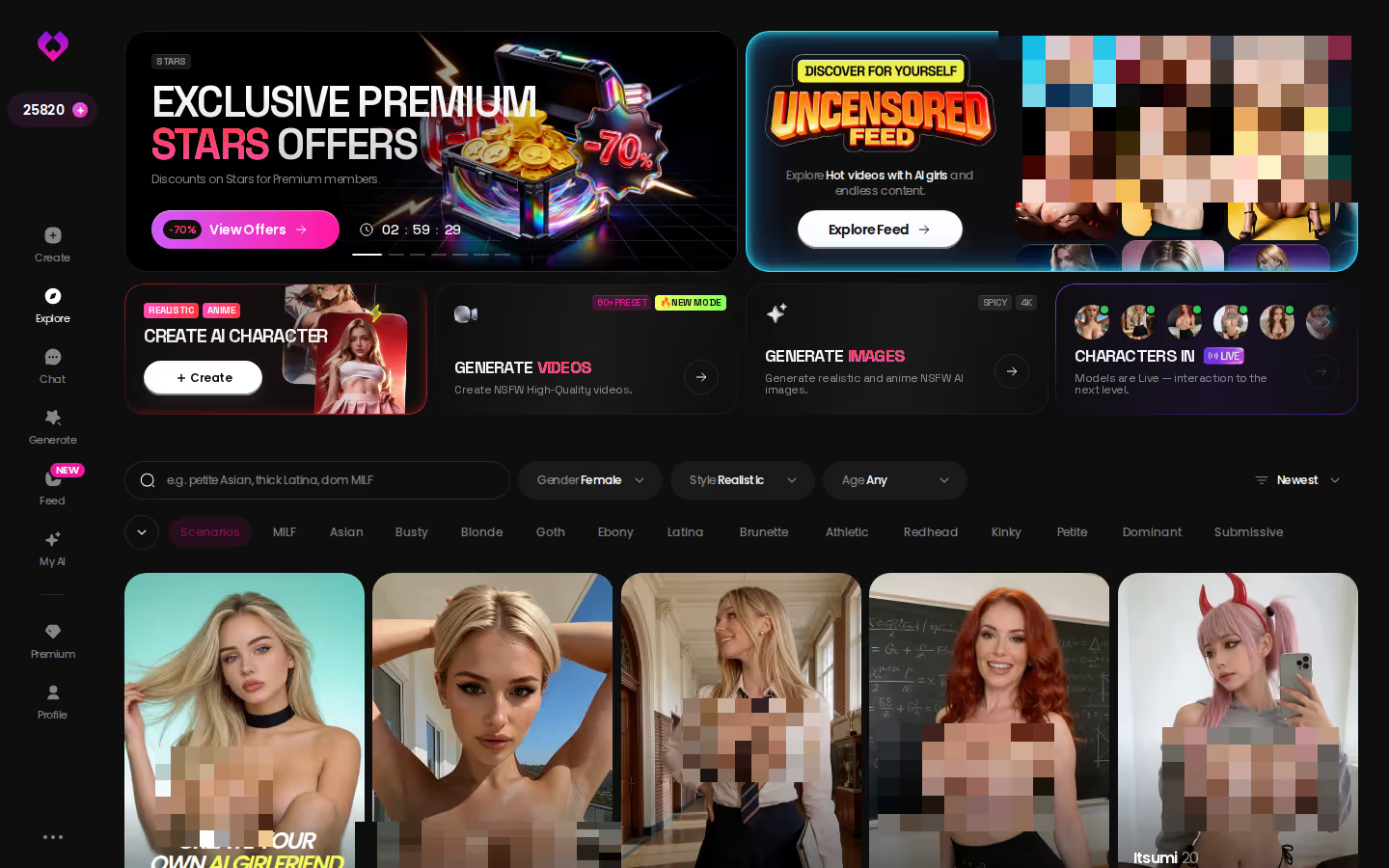
The characters in that Explore grid are the ones who'll actually produce the photos. Pick one now and the memory starts building today, not after you've compared six more listicles.
What 'AI Nude Generator' Actually Means in 2026
The phrase covers two products that barely resemble each other.
Bucket one: standalone prompt-to-image tools. You type a description, wait, get a picture, download it. Want a second one of the same woman? Re-type the prompt and hope the face survives. It usually doesn't.
Bucket two: companion apps with generation built in. A character with a name, a personality and a memory of your chats — who also happens to produce photos and clips. The generator is one feature, not the product.
What "good" looks like, in either bucket:
- Consistency — the same face across ten renders, not ten cousins
- Control — presets for pose, outfit and background instead of prompt roulette
- Continuity — the image belongs to someone you'll talk to again
- Plain-stated free limits, not a paywall that jumps out mid-render
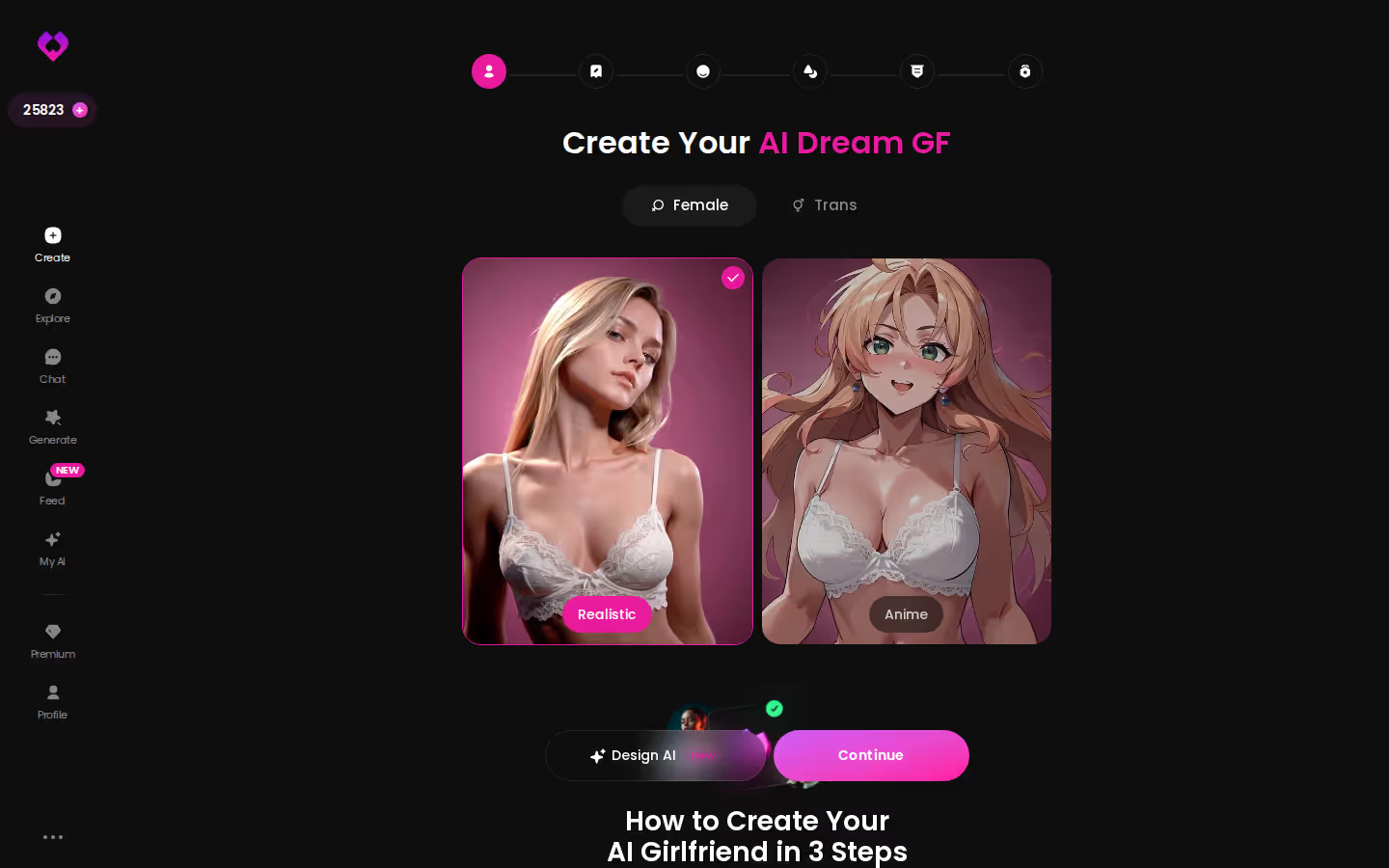
Bucket one can hit the first two. Only bucket two even attempts the third, which is why continuity carried the most weight in the scorecard.
Image Quality and Realism: Where the Gaps Actually Show
Every tool on the market can produce one convincing frame. The gap opens on the second one.
Face consistency. A standalone generator treats each prompt as a fresh roll. The eyes drift, the jawline softens, the hair colour shifts a shade. GoLove's generator is per-character — swap the avatar top-right and every render is anchored to that face. Kinda nailed the one thing prompt tools structurally can't.
Body proportions and lighting. Prompt-based tools fall short through averaging: ask for "athletic, small chest, freckles" and you often get the statistical middle of all three. GoLove sidesteps the guessing with presets — 35 realistic picture poses split across casual, suggestive, body-focus, explicit and positions, 21 outfits, 34 backgrounds, plus custom entries for all three.
Repeatability. The setting that mattered most here is batch size. Generate 2, 4 or 8 at once and you're choosing between variations of her, not rerunning a lottery.
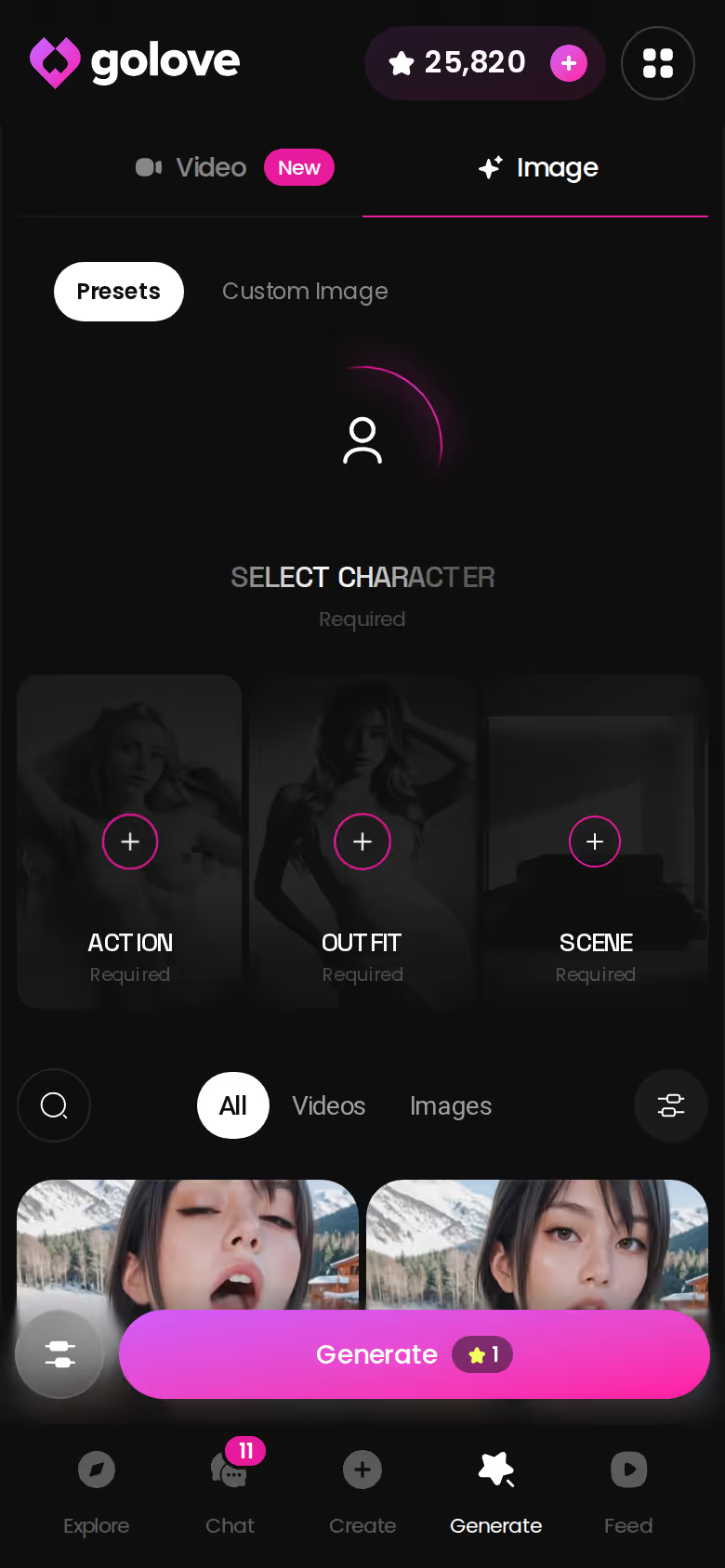
Rough around the edges? Sure — a preset menu is less freeform than a blank prompt box, and I'd like a few more custom slots. But freeform is exactly what produces the drifting faces in the first place.
In-Chat Photo Requests: The Feature Static Generators Skip
Walk through the standalone-tool flow step by step. You're chatting somewhere else. You decide you want a picture. You alt-tab to the generator, rebuild the description from scratch, render, download, come back. The image has no idea who it's for.
GoLove's Request Photos in Chat flow collapses all of that into one message. Say you're mid-conversation with Nadia Petrov — the one whose bio reads "Make yourself comfortable… or let me do it for you" — and you ask for a photo. The reply comes back in character: a line of flirting first, then the image, generated from her face rather than a random prompt. With the lust level slider sitting at 4 or 5, that reply gets noticeably more forward; at 1 or 2 it stays teasing.
Do I need a new prompt every time? No — that's the whole point. The character is the prompt.
Does she remember what she sent? Yes. It lands in her Gallery, sorted by date, and the chat carries on from there.
One more slider worth flagging: response length. Cranked to 5, the photo arrives wrapped in a rich paragraph of context; at 1 it's a quick tease and the image. Neither option exists in a prompt box.
Photo-to-Video and the Feed: Beyond a Single Image
This is the row where the gap stops being a matter of taste. A standalone generator ends at a file on your drive. GoLove keeps producing around a character you already know.
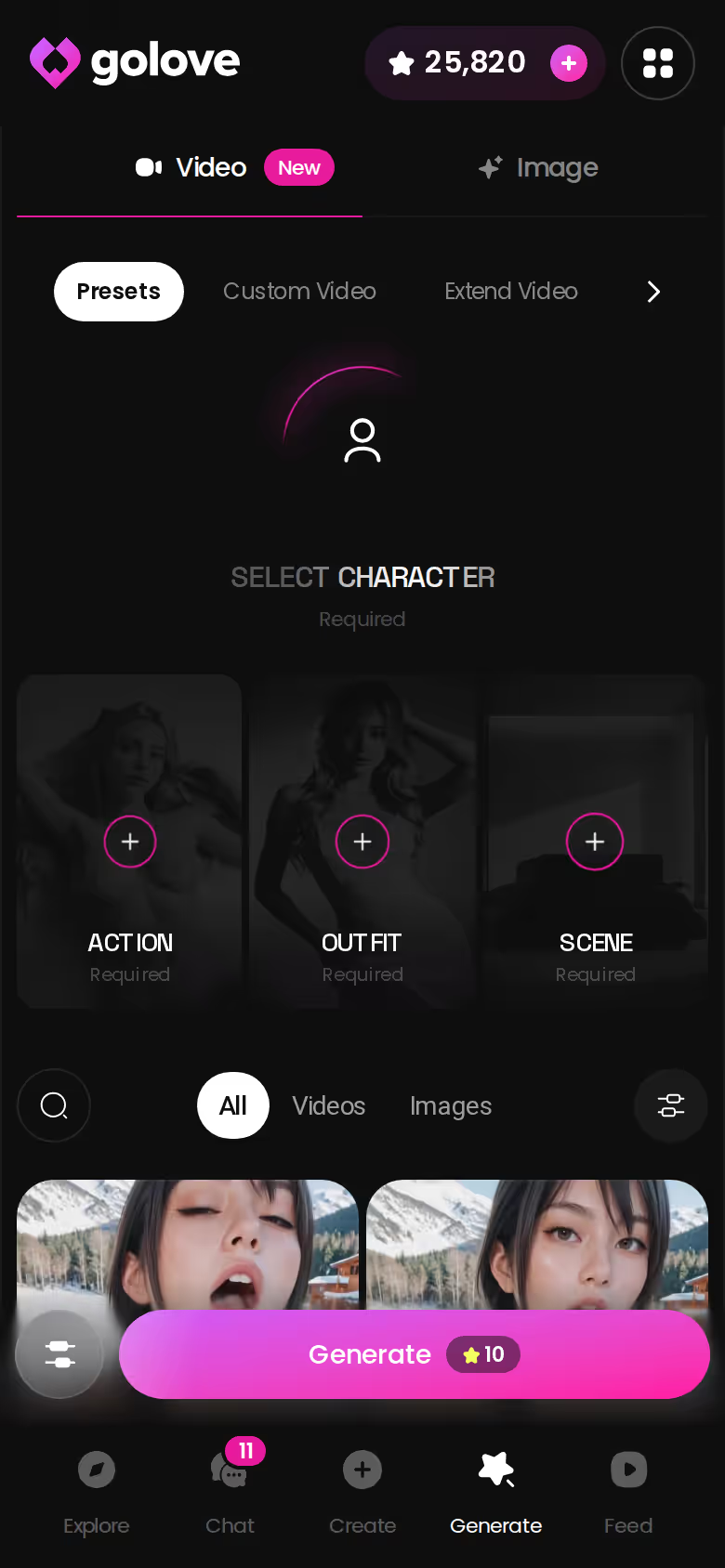
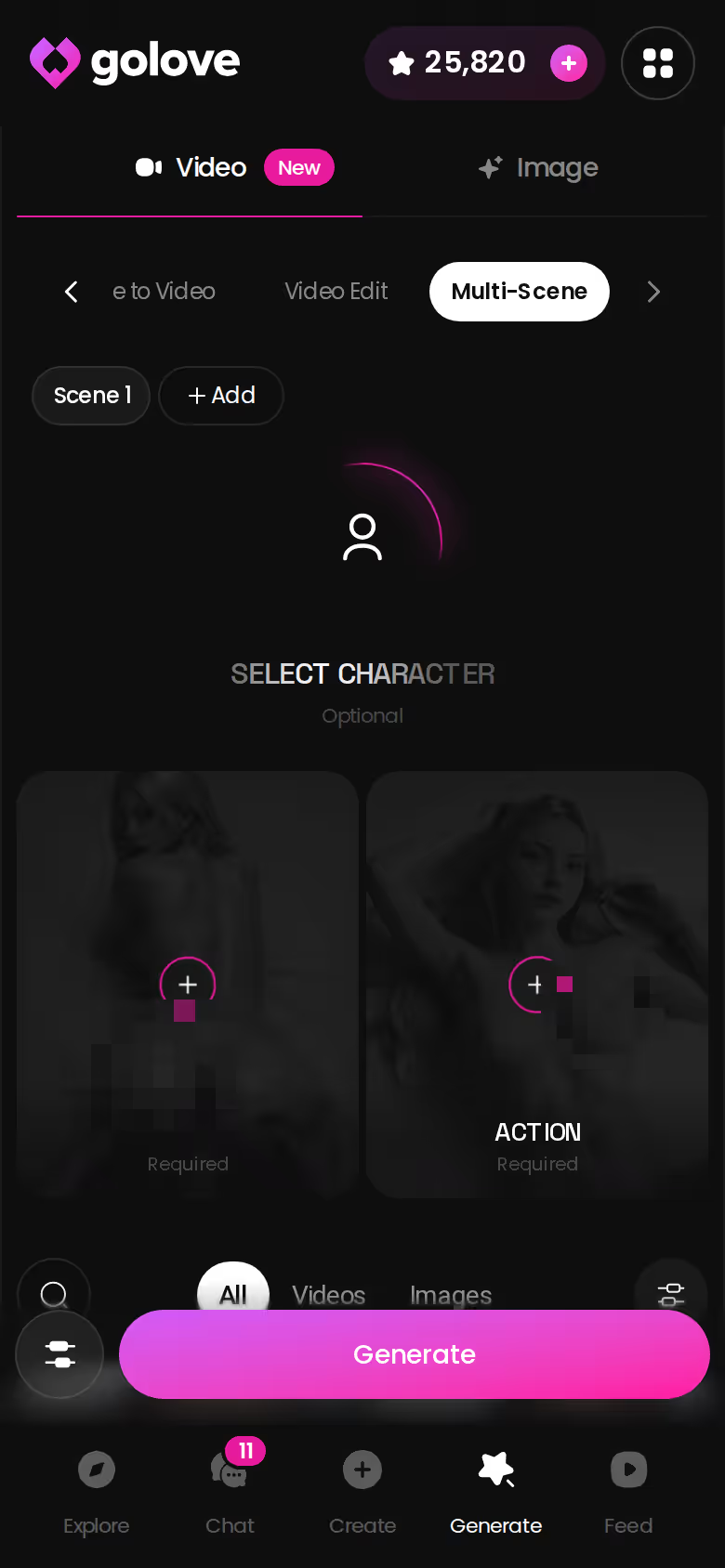
Generate Video from Photo lives inside chat — a photo she's already sent can become a clip without leaving the conversation. Alongside it, the Video tab in the generator builds scenes from preset cards: an action or pose like Twerk or Hard Doggy Style, plus Clothes, plus Background, then one Generate tap. There are 76 realistic video modes, and every one works with any GoLove character or your own custom build from /create.
Then there's the Feed — a vertical, TikTok-style scroll of AI clips, one full-screen at a time. Double-tap to like, tap through to the character's profile and jump straight into chat, or hit Remix: the magic wand opens the generator preloaded with that exact character and the exact settings that made the clip. Tweak, regenerate, or swap in your own character. Legit surprised this isn't the headline feature on every competitor page, because nothing in the standalone category attempts it.
The Remix button only pays off if you have a character of your own to swap in — and building one takes a couple of minutes, which is shorter than finishing this article.
GoLove.ai's Free Tier: Where the Limits Are
Time for the caveats, because a recommendation without them is just an ad.
The free tier is real but narrow. You get 2 Stars a day as a login reward, and Stars are what generation spends — so a free account is a taster, not an unlimited studio. The Feed serves a limited number of new videos daily before the "Unlock Unlimited Feed" paywall appears, and the feed filters (Realistic/Anime, gender, age) are PRO-only.
Who should skip GoLove.ai:
- Free-forever users who want unlimited generation with zero spend — the Star economy will frustrate you
- One-off buyers who need a single image right now and never want a character attached to it
- Anyone expecting a native app-store install rather than the web app
On price: GoLove PRO ran about $19.99/month when checked on 2026-07-19, or roughly $119.88/year (~$9.99/month) annually. That figure moves — regional pricing drops as low as ~$12.99 in some geos, and -50% and -70% promos have appeared in the header. Star packs run from about $9.99 up to ~$179.99. Treat all of it as approximate (and check the header before you buy, because the promo you see today may not be the one I saw).
Even so, a subscription covering chat, memory, photos and video nets out cheaper than pay-per-image tools once you're past the tenth render.
The Verdict: Which AI Nude Generator Actually Wins
> Winner: GoLove.ai. It's the only entry on the scorecard that pairs real image and video generation with memory and chat — 35 realistic poses, in-chat photo requests, photo-to-video, a remixable Feed, and a character who's still there tomorrow. Spot on for anyone who wants the picture to lead somewhere.
The runners-up aren't useless; they're just narrow. A standalone prompt tool suits you if speed is the only metric — one disposable image, no account, no follow-up. Fair enough for a one-off. But the moment you want the same face twice, the same body in a different outfit, or a reply that references what she sent last week, those tools fell short every time, and the scorecard reflects it.
The caveats stand: the free tier is a taster, PRO pricing shifts by region and promo, and there's no app-store install. None of that changes the ranking.
Pick a character, ask for a photo, and you'll know in one chat whether the memory row on that table was worth weighting — and the 2 daily free Stars are already sitting in your account.
The short version: GoLove.ai covers the essentials in one place — live voice calls, memory across chats, and in-chat photos (35 poses, 21 outfits) — and the 2 daily reward stars mean you can test it before spending anything.
See also: Best AI Girlfriend Apps 2026, Best AI Girlfriend For NSFW Roleplay and Best NSFW AI.
| What you get | GoLove.ai |
|---|---|
| Real-time voice calls | Yes — per-character voices |
| Memory across chats | Yes — remembers your details |
| In-chat image generation | Yes — 35 poses & 21 outfits |
| Daily reward stars | 2 every day |
Frequently Asked Questions
Related Articles
Uncensored AI Image Generator: Honest 2026 Ranking
Uncensored AI image generator, tested — GoLove.ai wins on photo realism and memory, not just filters. See characters, instant-access.
Hot Waifu: Which AI Apps Actually Deliver?
Hot waifu images get old fast — GoLove.ai wins with live voice, in-chat photo requests, and memory that keeps her yours. Instant-access to start.
Hentai Model AI: Which App Actually Delivers?
Hentai model apps mostly generate static images — GoLove.ai adds real chat, memory and voice. See why it wins — instant-access needed to start.
Hifun AI Alternative: Why GoLove.ai Wins
Hifun AI makes one image per prompt — GoLove.ai remembers you, talks back, and sends photos in-chat. See the difference, instant-access wall.
This article contains affiliate links. We may earn a commission at no extra cost to you if you sign up through our links. See how we test.